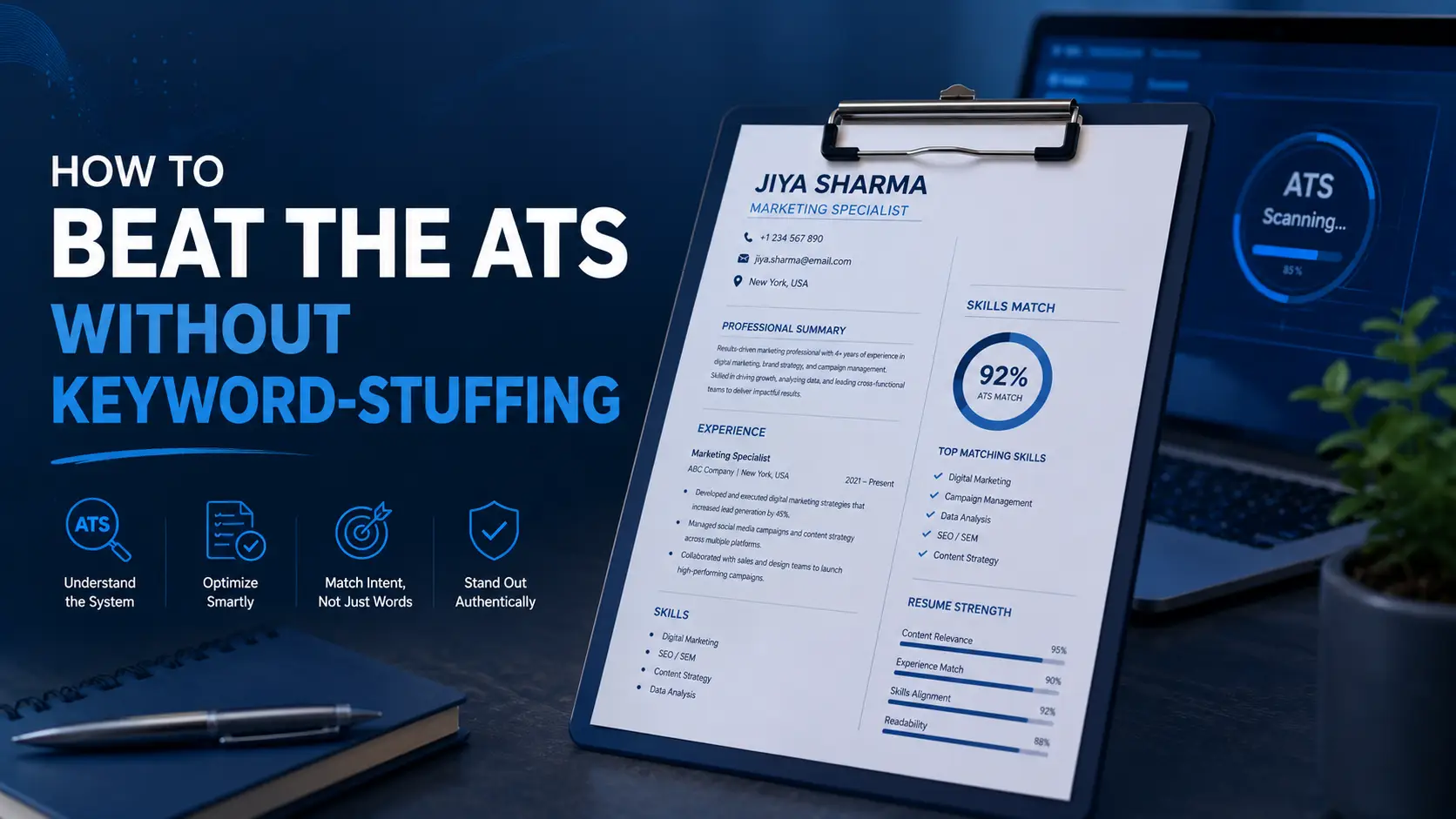
How to Beat the ATS Without Keyword Stuffing
Key Takeaways
- The way to beat the ATS is to match real keywords from the job description naturally, inside genuine accomplishments, not to repeat or hide them.
- Modern ATS platforms use semantic matching, meaning they read keywords in context rather than just counting how many times a term appears.
- Hiding keywords in white text or tiny fonts is detectable and tends to backfire, both with the software and with the recruiter who eventually reads the resume.
If you've read enough resume advice, you've probably hit the same contradiction twice: "use keywords from the job description" and "don't stuff your resume with keywords." Both pieces of advice are true, and the gap between them is smaller than it looks. The goal is relevance, not repetition: real keywords, used honestly, inside bullets that already describe what you actually did.
What Keyword Stuffing Actually Is (and Why It Backfires)
Keyword stuffing is the practice of repeating a term far more often than natural writing would call for, listing skills you don't genuinely have, or copying entire chunks of a job posting into a resume just to trigger a match. It's easy to spot because it reads like a list pretending to be a sentence.
It backfires for two separate reasons. First, an ATS built around modern natural language processing can often tell the difference between a skill used in context and a skill just mentioned repeatedly, so stuffing doesn't guarantee a higher score the way it might have a decade ago. Second, even when a stuffed resume does pass through, the recruiter reading it next will notice immediately, and a resume that reads as manipulative tends to lose trust fast.
When optimizing resumes for clients against real job descriptions, the resumes that score well and read well are never the ones with the longest keyword list. They're the ones where every keyword is attached to something the person actually did.
How Modern ATS Actually Works: Semantic Matching vs. Keyword Counting
Older systems worked close to how people assume ATS still works: count how many times a term shows up, rank higher for more. Today's platforms, including widely used systems like Workday and Greenhouse, lean more on semantic matching, which means they evaluate related terms, synonyms, and the context a word appears in, not just its raw frequency.
Practically, that means a resume that says "led a team of 8 through a CRM migration to Salesforce" can match a posting asking for "CRM implementation experience" even without using that exact phrase, because the system reads the surrounding context, not just an isolated term. It also means ten repetitions of "project management" in a skills list won't outscore two well-placed, specific mentions inside real accomplishments.
This is also where AI-assisted screening adds a layer human reviewers used to handle alone: unnatural keyword density, copied job description language, and a mismatch between claimed skills and actual work history are all patterns these systems are increasingly built to catch.
Why Hiding Keywords in White Text Doesn't Work
This one deserves a direct answer: no, hiding keywords in white text, in a font sized down to nearly nothing, or behind an image does not reliably work, and it can actively hurt you.
Here's why it fails on both ends. On the software side, most modern ATS parse the raw text layer of a document, meaning white-on-white text is still fully readable text to the system, not invisible to it, and a growing number of platforms specifically flag content where font color matches the background or font size drops below a readable threshold. On the human side, recruiters routinely copy resume text into plain-text fields or select-all to clean up formatting, which instantly exposes anything you tried to hide. Once a recruiter catches it, the reaction isn't neutral: it reads as an attempt to deceive, and that's a hard thing to recover from in someone's mind partway through reviewing your application.
Finding the Right Keywords in the Job Description
Before you can use keywords naturally, you need to know which ones actually matter. Not every word in a job posting deserves a spot on your resume.
- Read the posting and note terms that repeat, especially in the requirements or qualifications section
- Separate hard skills and tools (the ones an ATS is built to match) from vague culture language ("fast-paced," "team player") that carries little weight
- Pull 2 to 3 similar postings for the same type of role to confirm which terms are standard across the field, not just one company's phrasing
- Prioritize required qualifications over preferred ones, since required terms are more often tied to automatic filtering
This gives you a short, focused list, usually 8 to 12 terms, rather than a copy of the entire posting.
How to Weave Keywords In Naturally
Once you have your list, the work is matching each keyword to something real you did, not inserting it as a standalone item.
A simple structure works for almost any bullet: action verb, specific tool or keyword, measurable result. Here's what that looks like in practice.
Before (keyword list, no context): "Responsible for data analysis, SQL, Python, reporting, and stakeholder communication."
After (keyword woven into a real accomplishment): "Built automated SQL and Python reporting pipelines that cut monthly stakeholder reporting time from four hours to under 30 minutes."
The second version includes the same keywords the ATS is scanning for, SQL, Python, reporting, but they're doing actual work in the sentence instead of sitting in a list. It reads better to a human and matches just as well, if not better, to the system.
A few placement notes worth keeping in mind:
- Summary: 3 to 5 of your most important keywords, stated plainly
- Skills section: exact wording from the posting for hard skills and tools, grouped rather than dumped in one long line
- Experience bullets: this is where most of your keyword weight should live, inside real, quantified accomplishments
- Aim for each important keyword to appear 2 to 4 times across the whole document. Beyond that, you're usually repeating rather than reinforcing
Section Headings the ATS Actually Recognizes
Creative section headers might look nice on a designed resume, but ATS parsers categorize your information based on standard headings, and unfamiliar ones can cause information to get miscategorized or dropped entirely.
Stick to conventional labels: "Work Experience" or "Professional Experience," "Education," "Skills," and "Certifications." Save the more inventive phrasing ("Where I've Made an Impact," "My Toolkit") for a personal website, not the document a machine is trying to parse first.
The Plain-Text Copy-Paste Test
One of the simplest ways to check whether your resume is actually readable by an ATS is to test it the way a parser would see it.
- Open your resume and select all the text
- Copy it and paste it into a blank plain-text document (like Notepad or a plain Google Doc with formatting stripped)
- Review what came through: is anything missing, jumbled, or out of order? Are section headers still where they should be?
- If information disappeared or scrambled, that's usually a sign of tables, text boxes, columns, or headers and footers the ATS couldn't parse correctly
This same test doubles as a check for hidden text: if something shows up in the plain-text version that wasn't visible on the formatted resume, that's exactly the kind of thing a recruiter would catch too.
If you'd rather not do this manually, our free ATS Resume Checker runs a similar check automatically, scoring your resume against a detailed rubric right in your browser, so your resume never has to leave your device to get scored.
Quick Tips
- Use a single-column layout with standard fonts (Arial, Calibri, Georgia, Times New Roman) in the 10 to 12pt range for body text
- Avoid tables, text boxes, images, and headers or footers for anything you need the ATS to actually read
- Spell out acronyms at least once, followed by the acronym in parentheses, so both the parser and the human reader understand it
- Tailor your keyword list for every application. A generic resume matched against a specific posting will always score lower than one built around that posting's actual language
- If a required qualification genuinely doesn't apply to you, don't force the keyword in. A stretched claim is easy to spot in an interview
Frequently Asked Questions
Can an ATS actually detect keyword stuffing?
Many modern systems can, particularly those built around natural language processing that reads keywords in context rather than counting raw frequency. Even when the software doesn't catch it, an unnatural, repetitive resume is usually obvious to the recruiter who reads it next.
How many times should a keyword appear on my resume?
As a general guideline, 2 to 4 mentions of an important keyword across the whole document, spread naturally across your summary, skills section, and experience bullets, is enough. Beyond that, you're typically repeating rather than adding value.
Does hiding keywords in white text actually work?
No, not reliably. Most ATS parse the raw text layer of a document regardless of its visual color, and many platforms specifically flag text whose color matches the background or whose font size drops below a readable threshold. It also gets caught easily by recruiters who copy-paste or select-all a resume.
Do I need to match a keyword's exact wording, or can I use a synonym?
Exact matches are safest for hard skills, tool names, and certifications, since some ATS still don't recognize every synonym. For broader concepts, a natural synonym is fine as long as the exact term also appears somewhere relevant, ideally your skills section.
Is a PDF or a Word document better for getting past an ATS?
Both are generally fine with modern systems, though a clean, simply formatted .docx is the safest default if a posting doesn't specify. Whichever format you choose, avoid image-based PDFs and heavy design elements that can block text extraction entirely.
How do I know if my own resume is stuffed?
Read a bullet out loud. If it sounds like a list of terms rather than a sentence describing something you did, or if the same keyword appears more than 3 to 4 times in one section, it's likely overstuffed. The plain-text copy-paste test in this guide is also a fast way to spot repetition you might not notice while reading the formatted version.
If you want a second set of eyes on whether your resume is actually ATS-ready, our free ATS Resume Checker scores it against a detailed rubric and flags exactly what's holding it back. If the fix needs more than a few tweaks, our resume writing service can rebuild it for you from the ground up.