

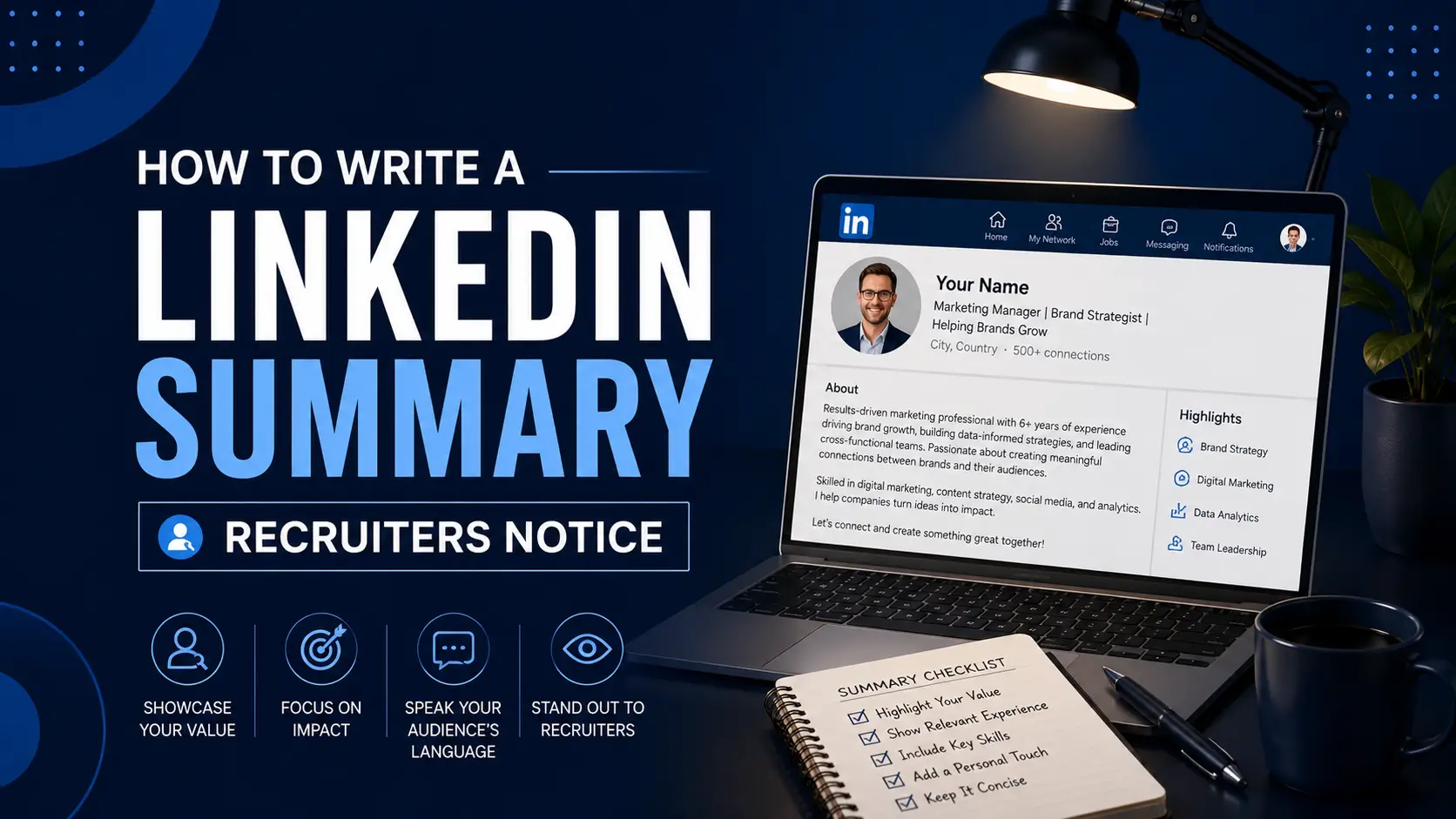
How to Write a LinkedIn Summary Recruiters Notice
Key Takeaways
- A strong LinkedIn summary opens with a hook in the first three lines, since that's all that's visible before a visitor clicks "See more."
- The strongest summaries follow a clear structure: hook, current role, quantified achievements, the value you bring, a touch of personality, and a call to action, with relevant keywords woven throughout.
- LinkedIn's own data shows complete, keyword-rich profiles appear in up to 40 times more recruiter searches than thin or empty ones.
Your LinkedIn "About" section is one of the first things a recruiter reads after your headline, and for many people it's also the hardest part of the profile to write. The good news is that a strong summary follows a predictable structure. Get the first few lines right, back them up with real numbers, and end with a clear next step, and you've covered most of what actually moves the needle.
What Is a LinkedIn Summary (and Why Recruiters Actually Read It)
A LinkedIn summary, officially called the "About" section, is a short block of text below your name and headline where you describe your background, skills, and what you're looking for next. It functions as a miniature professional narrative, the space where your resume's bullet points turn into an actual story.
Recruiters use it more than most people assume. LinkedIn's own official data shows the platform has over 1 billion members, and a Society for Human Resource Management survey found that roughly seven in ten recruiters consider LinkedIn the most effective platform for finding talent. Once they land on a profile, the summary is often the deciding factor: LinkedIn's own research shows that complete profiles, About section included, appear in up to 40 times more recruiter searches than incomplete ones.
When optimizing LinkedIn profiles for clients, the summaries that consistently draw responses aren't the longest or most polished. They're the ones that lead with something specific in the first few seconds, before a recruiter has decided whether to keep reading.
The First Three Lines: The Constraint That Decides Everything
Here's the mechanic that shapes everything else about how to write this section: LinkedIn only displays the first three lines of your summary, roughly the first 275 to 300 characters on desktop, before a visitor has to click "See more." If those lines don't earn the click, the rest of your summary, no matter how strong, never gets read.
This means your opening sentence carries more weight than any other line in your entire profile. It needs to state something specific and interesting about you immediately, not ease into your background with a generic introduction like "I am a dedicated professional with years of experience."
A few ways to open strong within that constraint:
- Lead with your current role and a specific area of focus: "Senior Product Manager focused on zero-to-one B2B SaaS launches."
- Open with a quantified result: "Led a team of 12 through a platform migration that cut infrastructure costs by $200K annually."
- Start with a genuine hook or brief anecdote that sets up your professional story, as long as it gets to something concrete within a line or two
Whatever you choose, read your first three lines in isolation before publishing. If they don't tell a stranger something specific and worth knowing, rewrite them before touching anything else.
The Structure That Works: 6 Parts to Include
Beyond the opening hook, a strong summary tends to follow the same underlying shape, whether it runs 150 words or 400.
- The hook. Your strongest, most specific opening line or two, built for the first-three-lines constraint above
- Your current role and focus. State your title, what you actually do day to day, and who you do it for
- A quantified achievement. At least one real number, whether it's team size, a percentage, a dollar figure, or a timeline you beat
- The value you bring. Connect your background directly to a problem or need common in your field, not just a list of skills
- A touch of personality. One or two sentences that make you sound like a person, not a job description
- A clear call to action. Tell the reader exactly what you want them to do next, whether that's connecting, messaging, or reaching out about opportunities
You don't need every element for a shorter summary, but knowing what each one does helps you decide what to keep and what to cut when you're working within LinkedIn's 2,600-character limit.
Formatting for the F-Pattern: Skimmable Structure
Even a well-written summary loses readers if it's formatted as one dense block of text. Eye-tracking research on how people read digital text shows a consistent "F-pattern": readers scan heavily across the top, then move down the left side with occasional horizontal glances rather than reading in full lines. Your summary should be structured with that pattern in mind.
- Keep your hook sentences short. Aim for under 15 words each in your opening lines, since this is the most-read part of your entire summary
- Use micro-paragraphs. Two to three sentences per paragraph, with a line break between each. A wall of text signals effort required from the reader; short paragraphs signal ease
- Consider a short bulleted list for your top two or three achievements. A list breaks up the visual rhythm and naturally draws the eye back to the center of the page
- Use white space deliberately. A blank line between paragraphs isn't wasted space, it's a visual cue that helps a skimming reader find the next idea
None of this means padding your summary with filler. It means presenting genuinely good content in a shape that a recruiter scanning quickly can actually absorb.
Keyword Optimization for Recruiter Search
LinkedIn's internal search surfaces profiles based partly on the text in your About section, so the specific terms you use affect whether you show up in a recruiter's search results at all, not just how your profile reads once someone finds it.
To find the right terms, scan three to five job postings for roles you're targeting and note which job titles, tools, and qualifications repeat across them. Weave those terms naturally into sentences you've already written rather than listing them as a standalone block. "Senior Data Analyst specializing in SQL-based reporting and Tableau dashboards" reads naturally and still carries the keywords a recruiter is likely searching for.
Avoid stuffing your summary with every possible keyword variation. A summary that reads like a list of buzzwords is easy to spot and tends to undercut the very credibility you're trying to build.
Example Openers by Career Stage
The right hook depends heavily on where you are in your career. Here's what a strong opening line looks like at a few different stages.
Recent graduate: "Computer science graduate specializing in machine learning, with a senior project that processed 500,000+ data points daily and cut prediction error by 31%."
Career changer: "Five years in investment banking, now building toward product management, combining financial modeling with hands-on product work I've done outside my day job."
Mid-career professional: "Senior backend engineer leading a team of 4 on a real-time data platform handling 2 million+ events daily, with a recent focus on cutting response times from 840ms to 190ms."
Returning after a career break: "Operations manager returning to full-time work after a two-year break, building on six years leading logistics across 12 sites and a project that saved $400K annually."
Each of these fits comfortably in the first three lines and gives a recruiter something specific to react to immediately, rather than a generic statement that could describe almost anyone in the field.
What to Avoid
- Third-person writing. "Jane is a results-driven professional" reads like a press release and undercuts the personal connection a summary is supposed to build. Write in first person
- Clichés without evidence. Words like "passionate," "results-driven," and "hard worker" are among the most overused terms on the platform and prove nothing on their own
- Copying your resume summary verbatim. Your resume summary is written for ATS keyword matching. Your LinkedIn summary is written for a human who's already found your profile, and it should read differently
- Leaving it blank. An empty About section is the single biggest missed opportunity here, since LinkedIn's search visibility and a recruiter's first impression both depend on it. If you'd rather not write it yourself, our LinkedIn Optimization service does it for you
- No call to action. If you want people to reach out, say so directly rather than leaving the next step unstated
Quick Tips
- Keep your total summary between roughly 150 and 350 words. Long enough to say something real, short enough to actually get read in full
- Update your summary whenever something material changes: a new role, a notable achievement, or a shift in what you're looking for next
- Read your opening three lines out loud before publishing. If they sound generic, they'll read as generic too
- Match your LinkedIn summary's tone to your industry. A little personality goes further in creative or people-facing fields than in more formal ones like law or finance
Frequently Asked Questions
How long should a LinkedIn summary be?
Aim for roughly 150 to 350 words, well within LinkedIn's 2,600-character limit. The opening two to three sentences matter most, since that's what's visible before a reader clicks "See more," so prioritize those first and build the rest around them.
Should I write my LinkedIn summary in first or third person?
First person is strongly preferred. It reads as more authentic and personal, which is what a recruiter or connection is looking for on a professional networking platform. Third person tends to read as stiff or impersonal, closer to a press release than an introduction.
What keywords should I include in my LinkedIn About section?
Include the job titles, tools, and qualifications that repeat across job postings for the roles you're targeting, since those are the terms recruiters are most likely searching for. Weave them naturally into full sentences rather than listing them as a standalone block of buzzwords.
What's the actual character limit for a LinkedIn summary?
LinkedIn's About section currently allows up to 2,600 characters. Only the first three lines, roughly 275 to 300 characters on desktop, show before a visitor has to click "See more," so that opening portion carries far more weight than the total limit suggests.
Does my LinkedIn summary really matter if my resume is strong?
Yes. Recruiters frequently check LinkedIn profiles before or alongside reviewing a resume, and an empty or generic summary can undercut an otherwise strong application. A summary that reinforces your resume, rather than just repeating it, adds real value to how a recruiter evaluates you.
How often should I update my LinkedIn summary?
Update it whenever something significant changes, such as a new role, a notable achievement, or a shift in what kind of opportunity you're looking for. If you're actively job searching, it's worth reviewing weekly to make sure it still matches what you're applying for.
Once your LinkedIn summary is in good shape, it's worth making sure your resume tells the same consistent story. Our free ATS Resume Checker flags formatting and keyword gaps in minutes, and if you'd like a professional to handle your resume, cover letter, and LinkedIn together, our resume writing service covers all three. For more on how recruiters scan your materials in those first critical seconds, see the 6-second resume test.